AI video · 24 July 2026 · Asfandyar Malik
Claude Code + Free Veo 3
A Video Content Pipeline — 3 chapters, played or read
Runtime 02:15
Overview
Overview
"Everything you just watched was made with Veo 3, and I paid nothing for it.
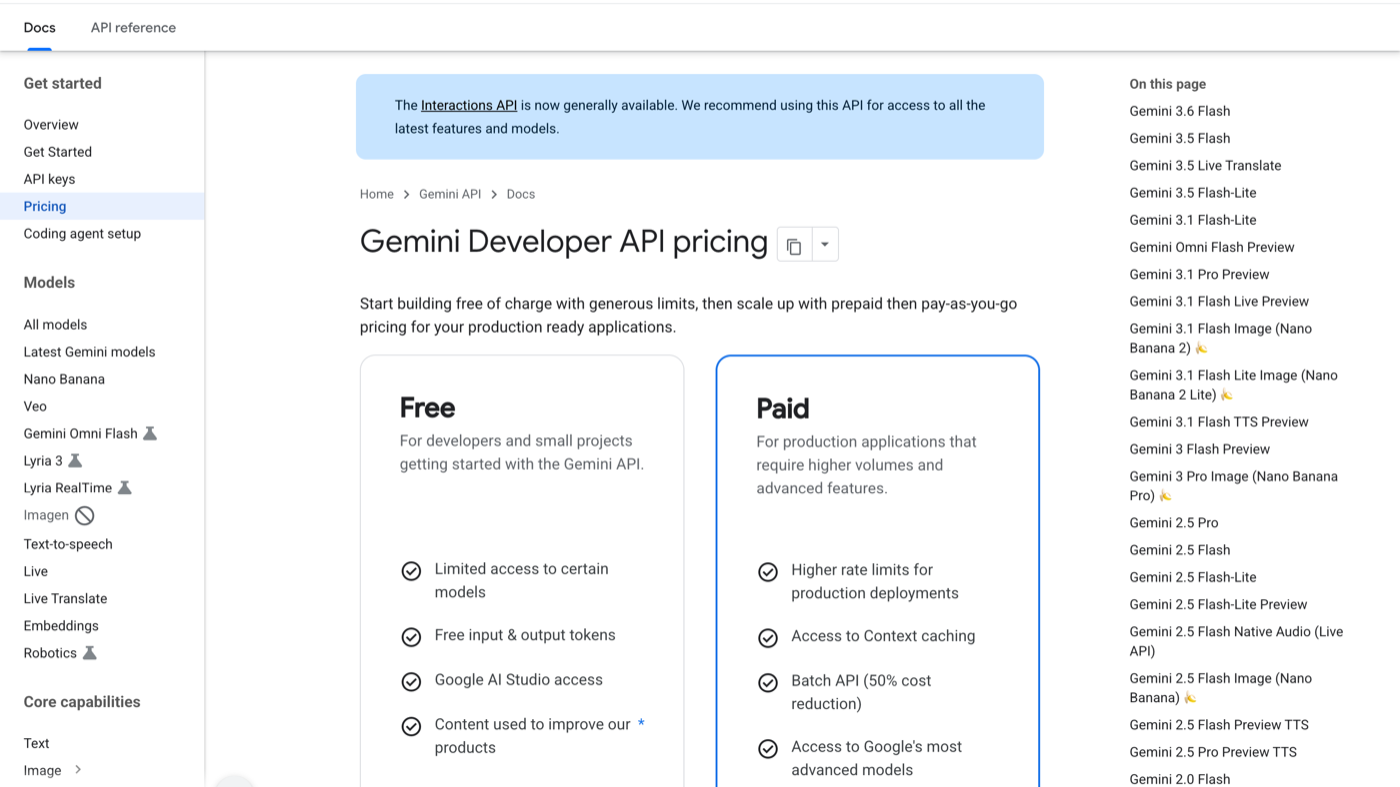
api pricing
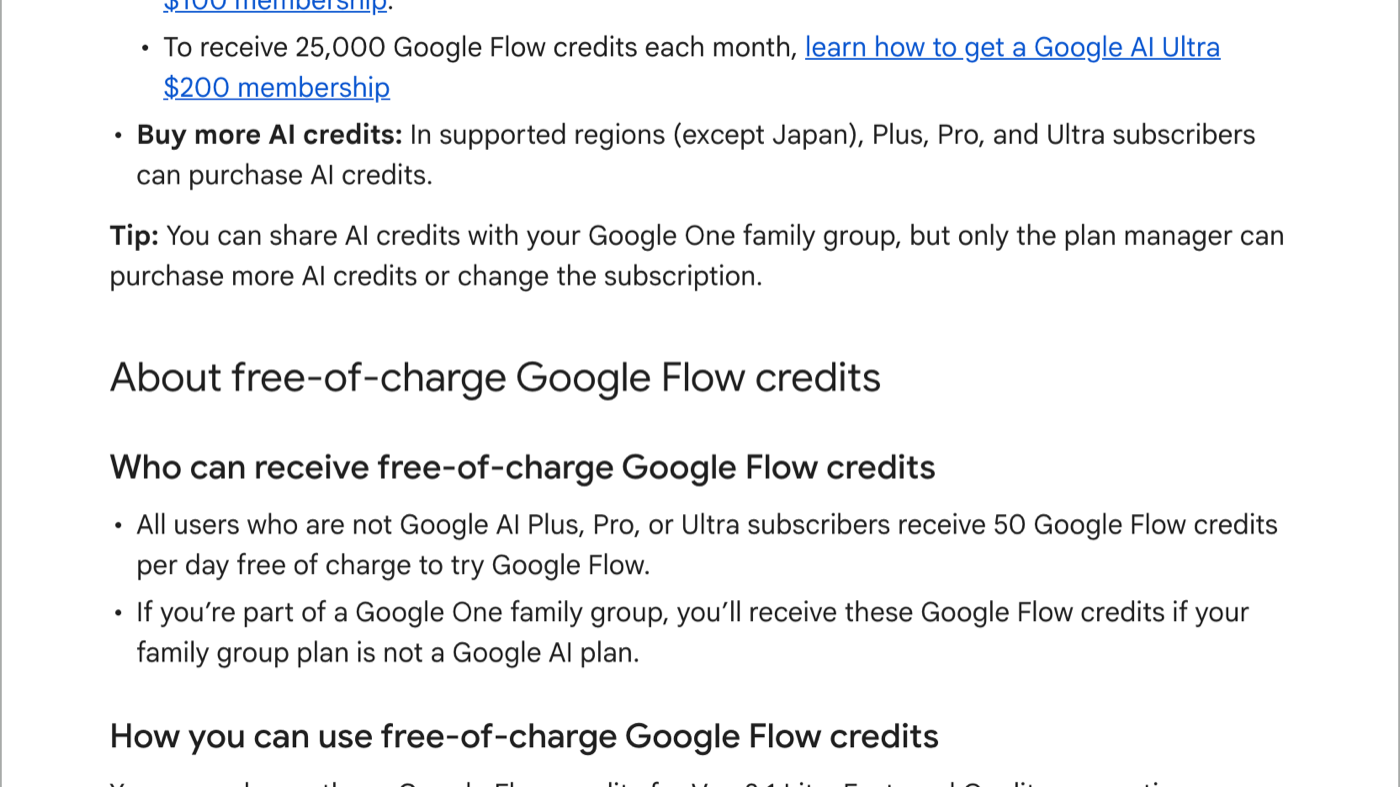
flow credits
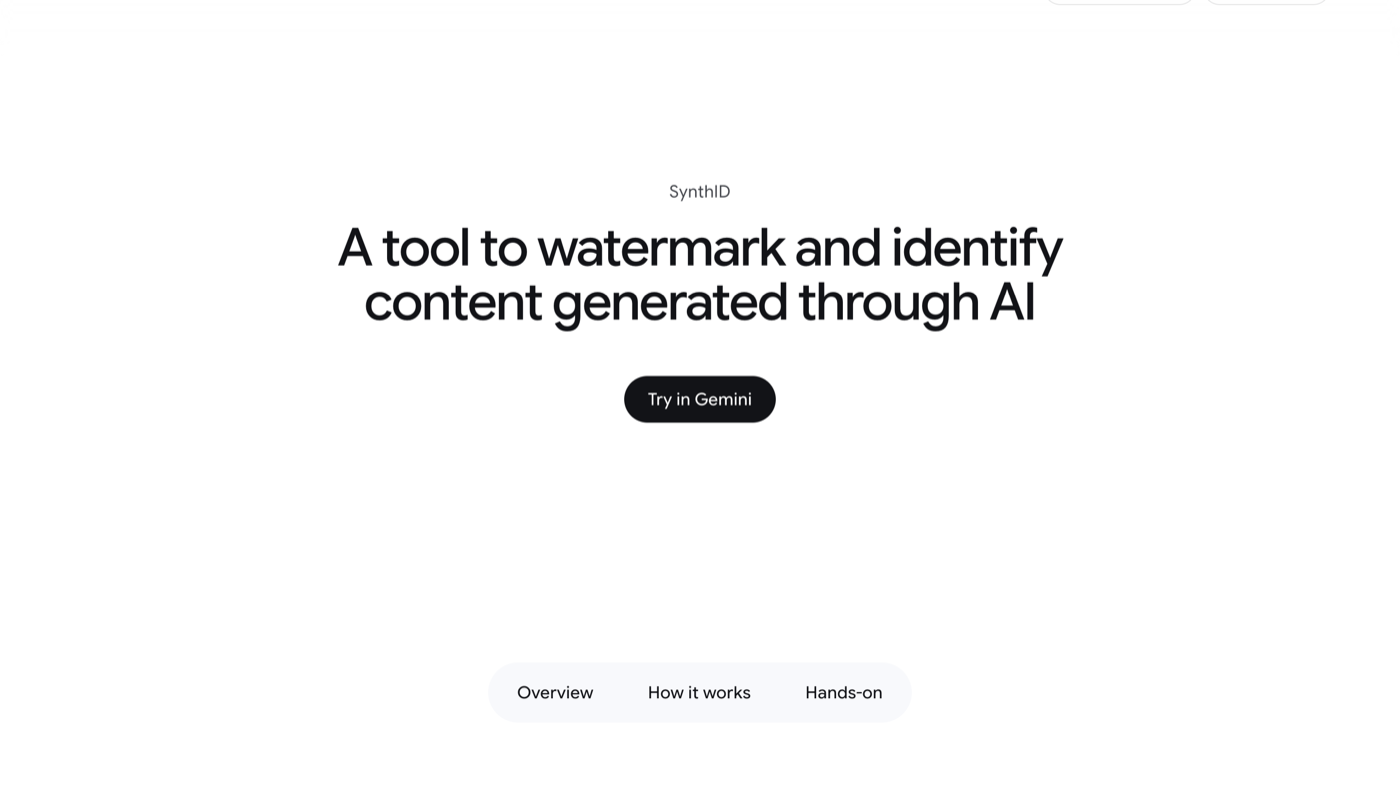
synthid
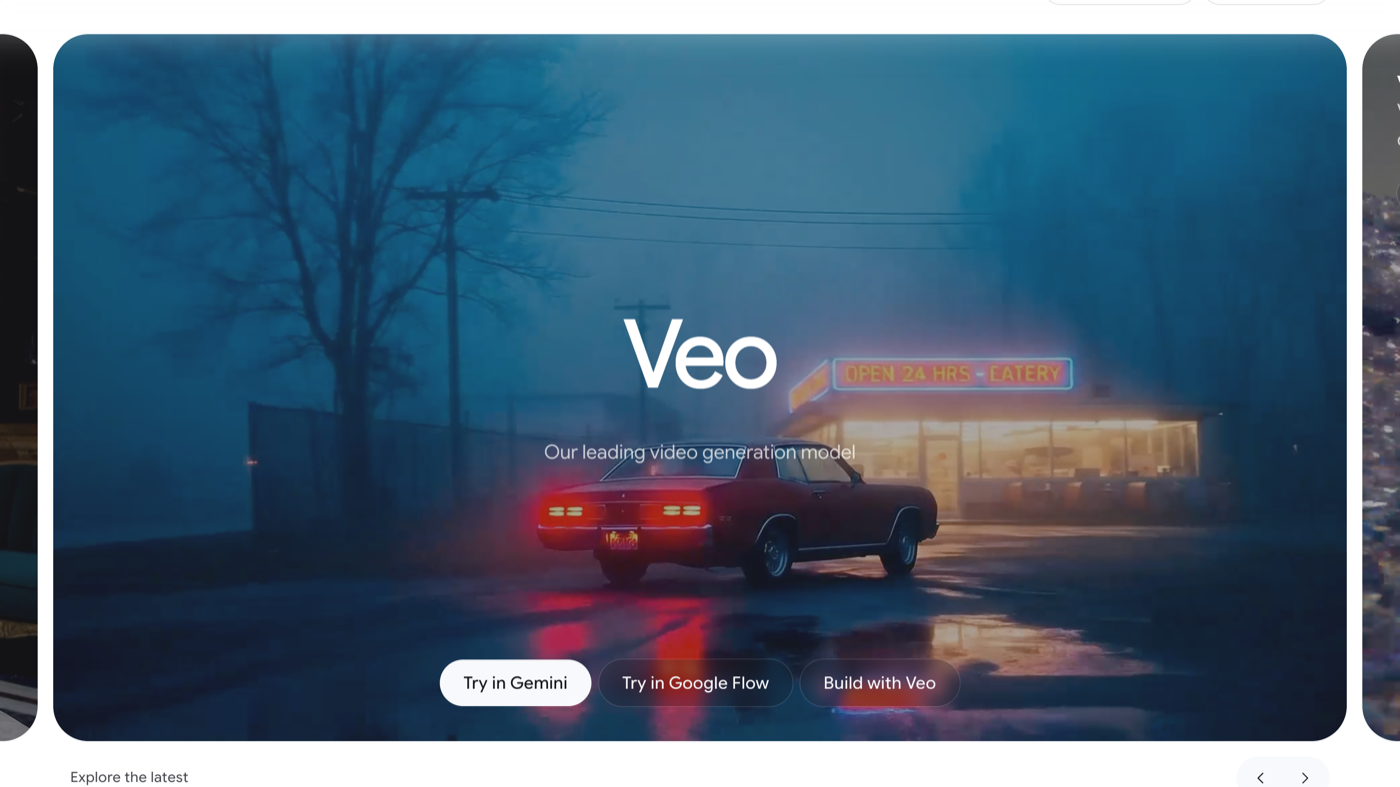
veo official
00:0002:15
the counter, not the claim
"Everything you just watched was made with Veo 3, and I paid nothing for it.
Then I'm going to show you the part nobody covers, which is the part that actually matters: what to do with it once you've got it."
The promise + the honest caveat
Door number three is the best one and it takes zero credits, so stay with me."
the three doors
Door 1 — Google Flow.
"First one's Google Flow, and it's the real one — this is Google's own tool, not a wrapper.
Free account gets you fifty credits a day. They reset daily and they do not roll over, so an unspent day is a wasted day. And depending on where your account is registered you might see a hundred and eighty instead of fifty — if your number's different from mine, yours is right, not mine.
One thing worth doing before you burn credits: generate the storyboard image first. It's cheap, it shows you the composition, and you fix it before you pay for motion. Flow also does image-to-video, so you can drop in a logo or a product shot and animate it."
Door 2 — Google Vids.
"Second door, Google Vids. Also Google, also free, roughly ten clips a month on the free tier. Create-from-scratch is text-to-video, and there's an animate-an-image option too.
Lower ceiling than Flow, but it's a completely separate allowance on the same Google account — so it stacks. That's the actual play here: you're not picking one door, you're adding them up."
Door 3 — the zero-credit one.
"Third one. This is a third-party wrapper, not Google — so before I show you anything: I'm signing in with a burner Google account, and you should too. Any site offering a paid model for free is running a loss leader, and I'm not handing my main account to a loss leader.
the part nobody shows you
"Okay. So you've got free access. Here's the problem nobody talks about.
Free doesn't mean unlimited — it means three clips a day. And if you're anything like me, you're happy with maybe one AI generation in three. So your real free allowance isn't three clips a day. It's one good clip a day — and that's if your prompt is any good. Which means the bottleneck was never the credits. It's the prompt.
Look at these two. Same model, same free tier, same eight seconds. That one [left] is what happens when you type what you want. That one [right] is what happens when the prompt names the subject, the camera move, the lens, the lighting, and the pace. Same cost. Completely different video.
So stop writing prompts. Here's what I do instead."
one command, finished asset
"Last part. Everything I just did by hand, I'm going to hand to Claude Code once, and then never do it again.
Fresh topic, one command. Shot list. I paste, I generate, I drop the files in. And it assembles.
That's a finished thing. Not a clip sitting in a browser tab — something you could post today.
And here's the receipt: zero dollars. Not 'cheap.' Zero. The only thing I spent was a daily allowance that resets tomorrow whether I use it or not."
The bridge
Recap + single CTA
"So: three doors — Flow for fifty a day, Vids for ten a month, and the zero-credit one while it lasts. Stack them, don't pick. Then stop writing prompts by hand, because your real limit is one good clip a day and a better prompt is worth more than more credits. Then fold the whole thing into one command so tomorrow's video takes one sentence.
The shot-list prompt and the skill file are both in the description, free, go take them.
And if you want the rest of this — the full Claude Code stack and the builds we run on it — that's Claude Codex Mastery, nine dollars a month, going to twenty-nine. Link's below. I'll see you in the next one."
Screenshots, charts, and primary evidence.
Open any evidence visual full-size. This library contains real screenshots and project charts—no decorative generated artwork.
Keep exploring
More long-form resources built the same way — primary sources, working files, and commands that actually run.
Setup instructions rot faster than anything else here. Every command on this page is copied from the vendor's own documentation and linked to it — open the docs alongside this page and trust those over this one.